
Biometric access brings you directly into your private workspace.
Use the workflow. Know what is real.
Try local versions of the assistant workflow, planner, chat interface and sector tools. Every sample is clearly marked, and nothing entered here is presented as a live AI or encrypted network action.
U / Flight · Canyon simulation
Follow the terrain.
Follow the jets through a vast canyon, from low passes along the valley to sweeping climbs over the ridges. Long camera moves follow staggered formations, with low canyon passes and opposite-direction fly-bys in separate high corridors. Pause the scene at any point.
Explore the AI workspace
The native experience
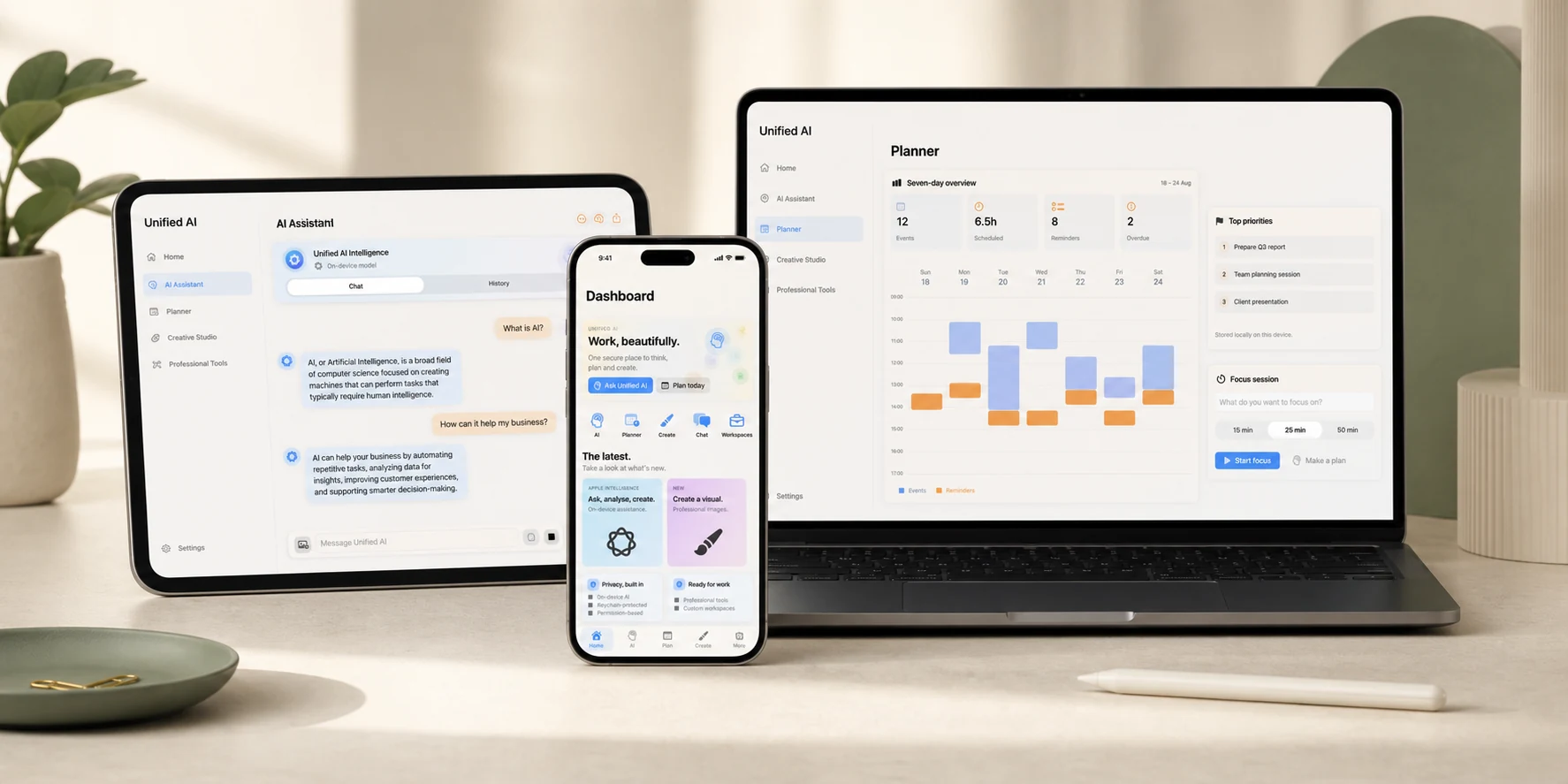
Designed for the device, not stretched to fit it.
The same private workspace becomes focused navigation on iPhone, a flexible canvas on iPad and a fuller workspace on Mac.
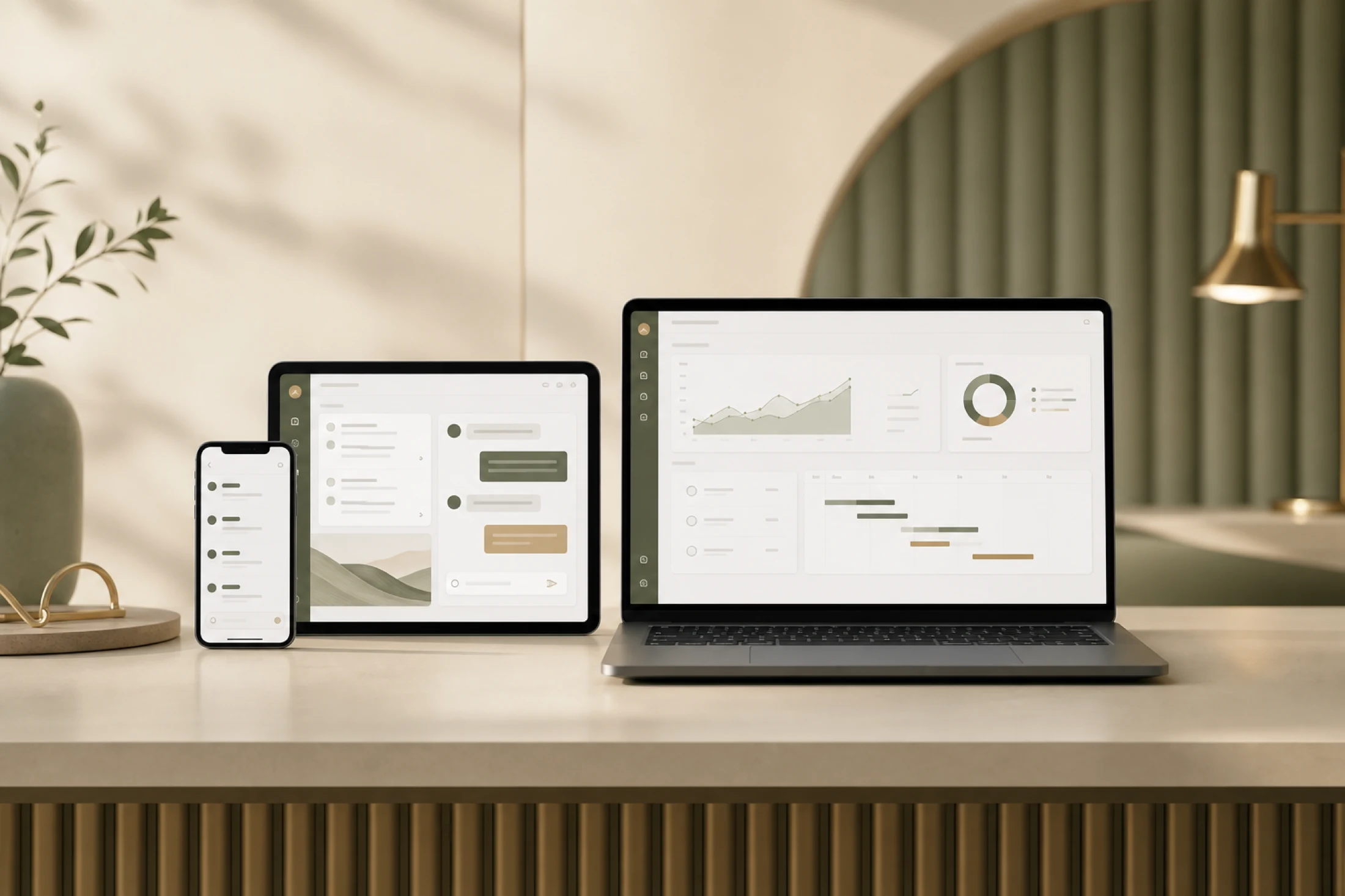
Plans, priorities and professional tools settle into one clear view.
Turn an AI response into the next useful action without losing context.
Try it now
Four working browser previews.
Switch tabs, enter your own sample information and watch the session activity update as you work.
Interactive prototypeBrowser only · no account data
WORKFLOW PREVIEW
Turn a request into a next step.
This browser demo uses a fixed local response so it cannot misrepresent the native app’s Apple on-device model.
Turn a question into a next step.
Enter a sample work question and explore the assistant layout, response area and activity history. Browser responses illustrate the workflow; they are not generated by a live model.
Make a small plan, then act on it.
Add a sample task, mark it complete and see the session update. Try a short project with several steps to understand how planning sits beside your AI workspace.
Explore a focused conversation.
Write a sample message and follow the local preview. This website does not discover nearby devices or send messages to other people. Encrypted peer sessions belong to the native app.
See the workspace change with your work.
Switch sectors to explore example metrics and professional layouts. The figures are demonstration data, not live business records or professional advice.
What this demo really does
It handles input, adds and completes planner tasks, builds a local chat preview, switches sector metrics and records temporary session activity directly in your browser.
What requires the native app
Apple on-device intelligence, biometric locking, Calendar and Reminders access, local account storage and encrypted nearby-device messaging are native app capabilities in development for the planned 2028 launch, subject to device support and permissions.
Coming October 2028
Explore today. Follow the app’s progress.
Use fictional sample information in the browser previews. They demonstrate the experience without connecting your personal accounts.