
A quieter way to plan
Keep calendar events, tasks and reminders in one workspace.
Your calendar, tasks and AI. Beautifully in sync.
A little intelligence.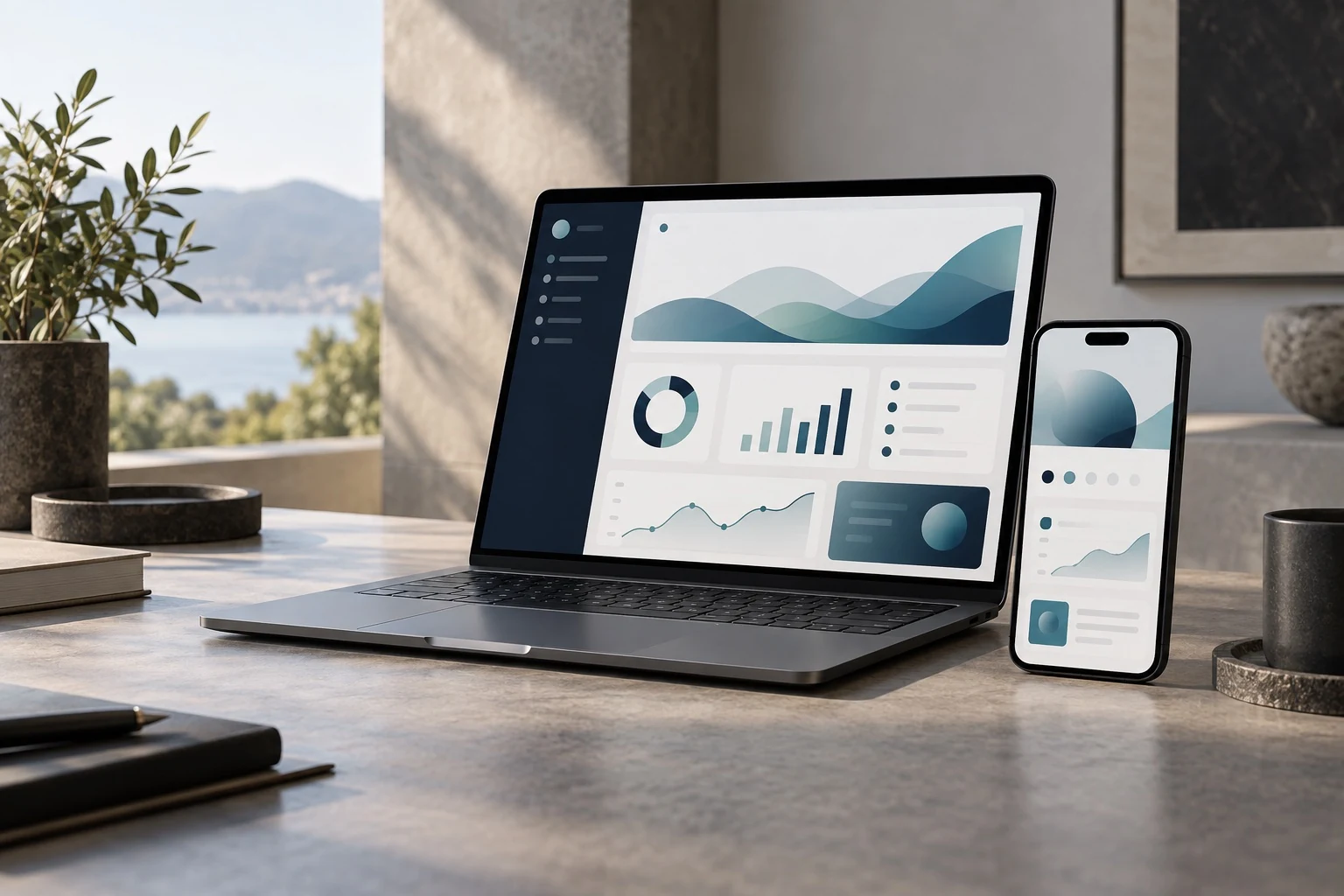
Professional software should feel calm when work is complex and clear when decisions matter.
One place to see the next action, find the right tool and keep the wider picture in view.
Keep calendar events, tasks and reminders in one workspace.
Ask about the work saved in your Unified AI calendar and projects.
Choose a profession and open workflows shaped around its work.
Decide what context the assistant can read and review every connection.
Browse the workspace, planning tools, sector workflows and privacy controls.
Explore the product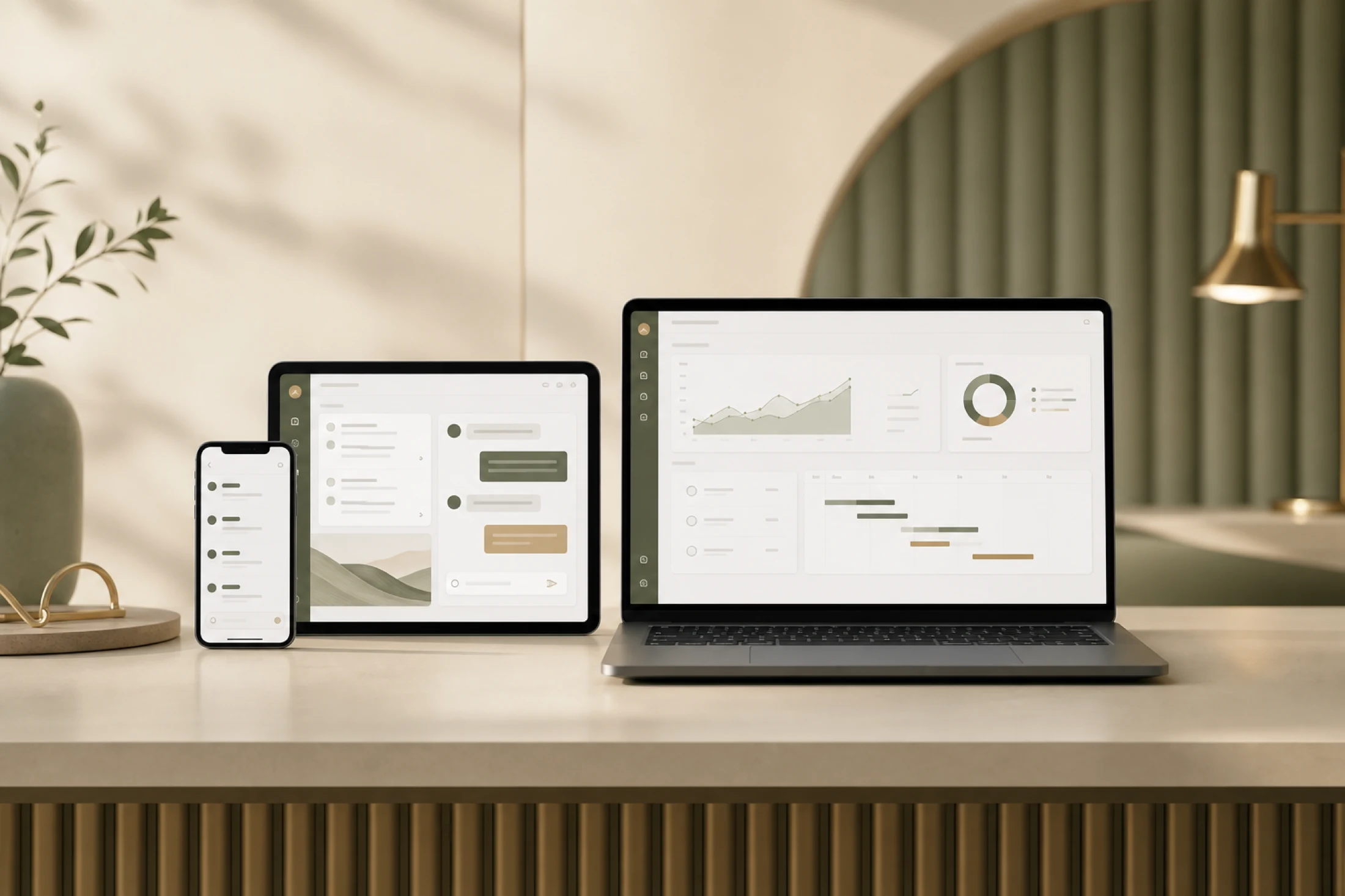
Designed for iPhone, iPad and Mac
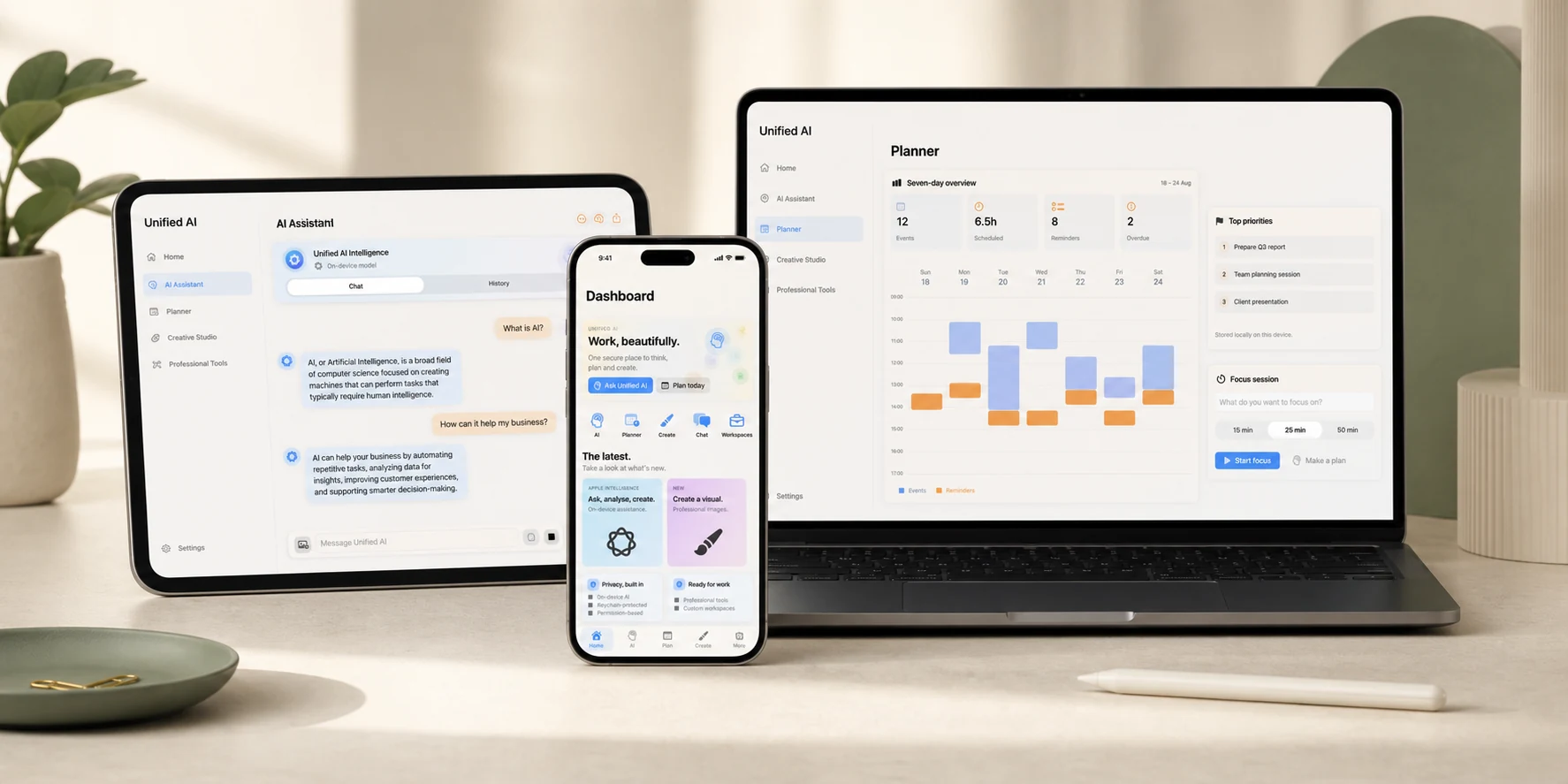
Tasks, calendars and useful next steps
An overview built around your day
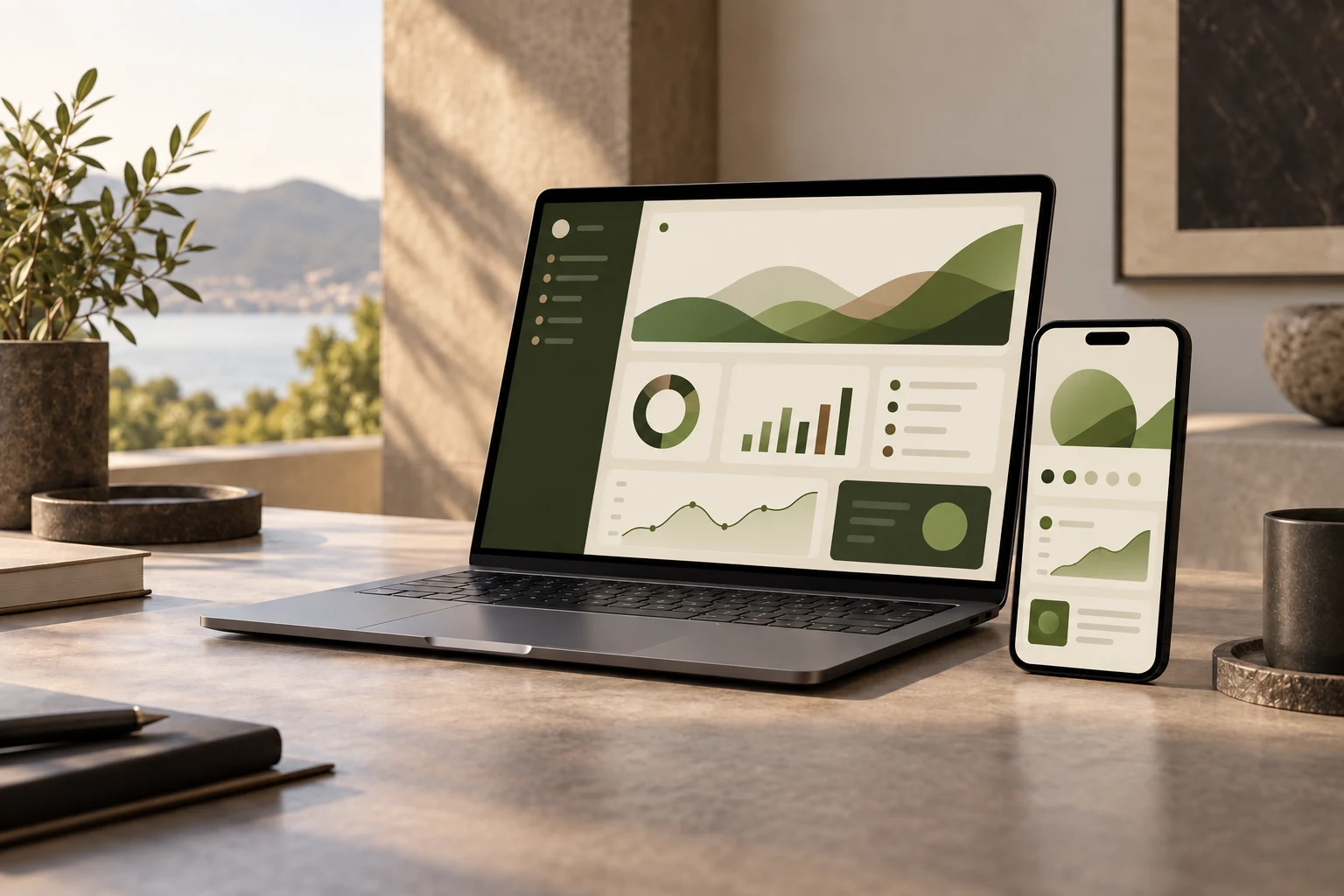
Bring priorities together in one view
Give each idea a place to land. Keep your plans, notes and questions close together, so the next step is easier to find.
Add calendar events and tasks, then return to your overview to see what needs your attention.
Plan your dayWrite on lined paper, save notes to your account and find them again by title or their opening lines. Download a copy when you need one.
Open your notebookAsk the assistant a question, choose the context it can use and review its response before taking action.
Explore your assistantKeyboard shortcuts for saving notes. Downloadable copies. A layout that fits your screen. Reduce Motion support when you prefer a quieter experience.
A few useful answersMove between study, files, research and the small tasks around them. The workspace changes with you while your context stays close.
A short plan turns one topic into a few doable steps.
Choose the agent that fits the task. Each one is built for a different kind of progress.
Research current guidance, policy, market changes and technical questions with source links and sector-aware summaries.
Open workspace ↗Turn a topic into a clear explanation, a revision plan, flashcards or a practice quiz that helps you learn the material.
Explore study tools ↗The experience adapts to the space in front of you, from a quick check on your phone to deeper work at a desk.
Biometric access brings you directly into your private workspace.
Plans, priorities and professional tools settle into one clear view.
Turn an AI response into the next useful action without losing context.
This preview shows the idea. Open the full workspace to use the actual AI, calendar, tasks and sector tools.
Open the full workspace ↗See all demonstrations ↗Choose your sector in your workspace to see tools and prompts shaped around the work you do.
Turn reports and budgets into focused next steps.
Plan lessons and organise the day in one view.
Prepare schedules and summaries with clear review boundaries.
Compare specifications and track open questions.
Control what the assistant can read from your calendar and reminders. Keep account data in your workspace and review connections when you need to.
Read the privacy policy ↗Tell us what your organisation needs. Your request goes directly to our team’s administrator inbox.